Video HD.
No login.
A PRO unlock for KilatFrame. Process video 100% in your browser — no uploads, no codes, no Telegram. Install once, open the site, and go.
Simple. Local. Controlled.
No account, no server processing. Everything stays in your browser.
NO LOGIN
No Google, Telegram, or PRO code. Open the site and start processing.
LOCAL ENGINE
Video is processed with WebCodecs on your device. Files never leave it.
5 TOGGLES
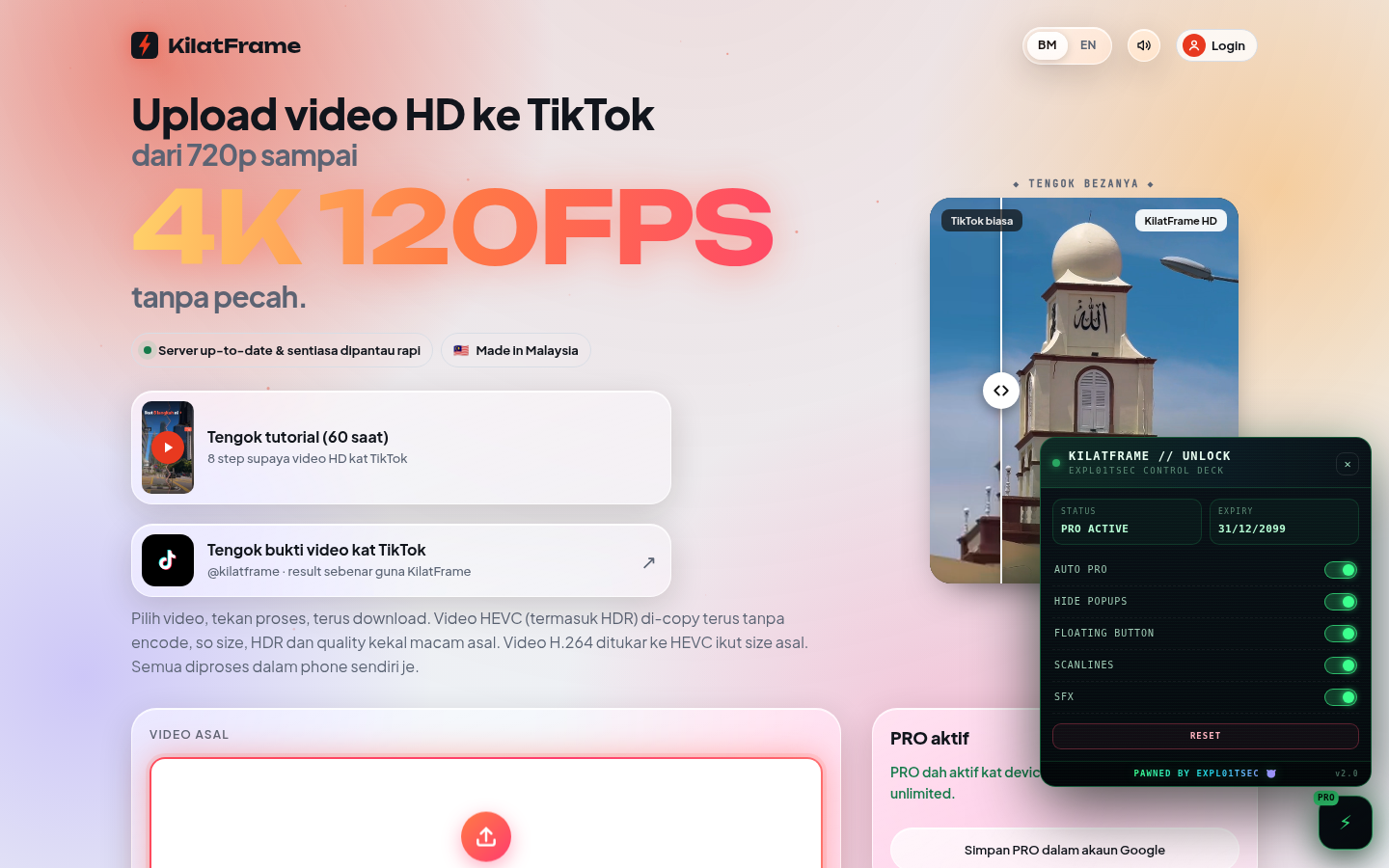
AUTO PRO, HIDE POPUPS, FLOATING BUTTON, SCANLINES, SFX — all on/off.
AUTO-UPDATE
Tampermonkey checks for new versions via @updateURL. Update without reinstalling.
Floating panel.
Alt+K or the ⚡ button. Drag, toggle, reset — all in one panel.
Three steps.
Desktop is the most stable. Android needs an extension-capable browser.
1 · TAMPERMONKEY
Install the Tampermonkey extension on Chrome, Edge, or Firefox.
2 · ALLOW USER SCRIPTS
Chrome/Edge: chrome://extensions → Developer mode → Tampermonkey → Allow user scripts ON.
3 · INSTALL & USE
Click the install button above → confirm in Tampermonkey → Install. Open kilatframe.pages.dev and refresh.
Common questions.
If you get stuck, open an issue on GitHub.
Which site should I open?
The original https://kilatframe.pages.dev. Not a clone, not a file:// page. The script only runs on that domain.
Do I need to enter a code or log in every time?
No. After installation, just open the site; Tampermonkey injects automatically and PRO is active. Refresh once after the first install.
Why doesn't the install button prompt?
Use the GitHub Pages link (the .user.js file), not raw GitHub. Or open Tampermonkey → Utilities → Install from URL and paste the file link.
Can it handle large videos?
Yes, but it depends on your device's RAM/CPU. Don't lock the screen or switch tabs while processing. Desktop is more stable for large files.
Is my data uploaded?
No. Video processing happens in your browser. The script only overrides the PRO gate endpoints; no personal data is collected.